How to Use Links in a Press Release: Best Practices & Examples
6 min read
Key Takeaways
Strategic links can make press releases more useful for readers, journalists, and search engines by pointing to relevant pages related to the announcement.
Body copy links, boilerplate links, and multimedia links each serve different purposes and should be placed intentionally to support both visibility and user experience.
Following best practices, such as descriptive anchor text, early link placement, and backup raw URLs, improves click-through rates and helps preserve access across syndicated or plain-text versions.
Linking strategy works best when it stays focused: use one to three links per release, anchored to pages you own, with consistent anchor text that compounds keyword associations over time.
AmpiFire’s AmpCast AI helps businesses get discovered through search, social media, YouTube, Spotify, and 300+ other high-authority platforms by turning every announcement into 8 unique content formats, without relying on paid ads or a single distribution channel.
How to Use Links in a Press Release?
Links in a press release work best when they send readers to pages you own, use descriptive anchor text, and appear early in the body copy. Keep it to one or two links in the body and one in the boilerplate to stay credible with journalists and distribution platforms.
Where and how you place those links matters as much as the links themselves. The right anchor text, placement, and backup raw URLs make a release more useful for readers, journalists, and search engines alike.
That said, even a perfectly linked press release only reaches one audience through one channel. AmpiFire’s AmpCast AI turns a single announcement into 8 content formats distributed across 300+ high-authority platforms, getting your message in front of audiences through search, social media, video, podcasts, and more.
Stop Limiting Yourself to Just PR or SEO Multi-Channel Content Marketing Gets Real Results
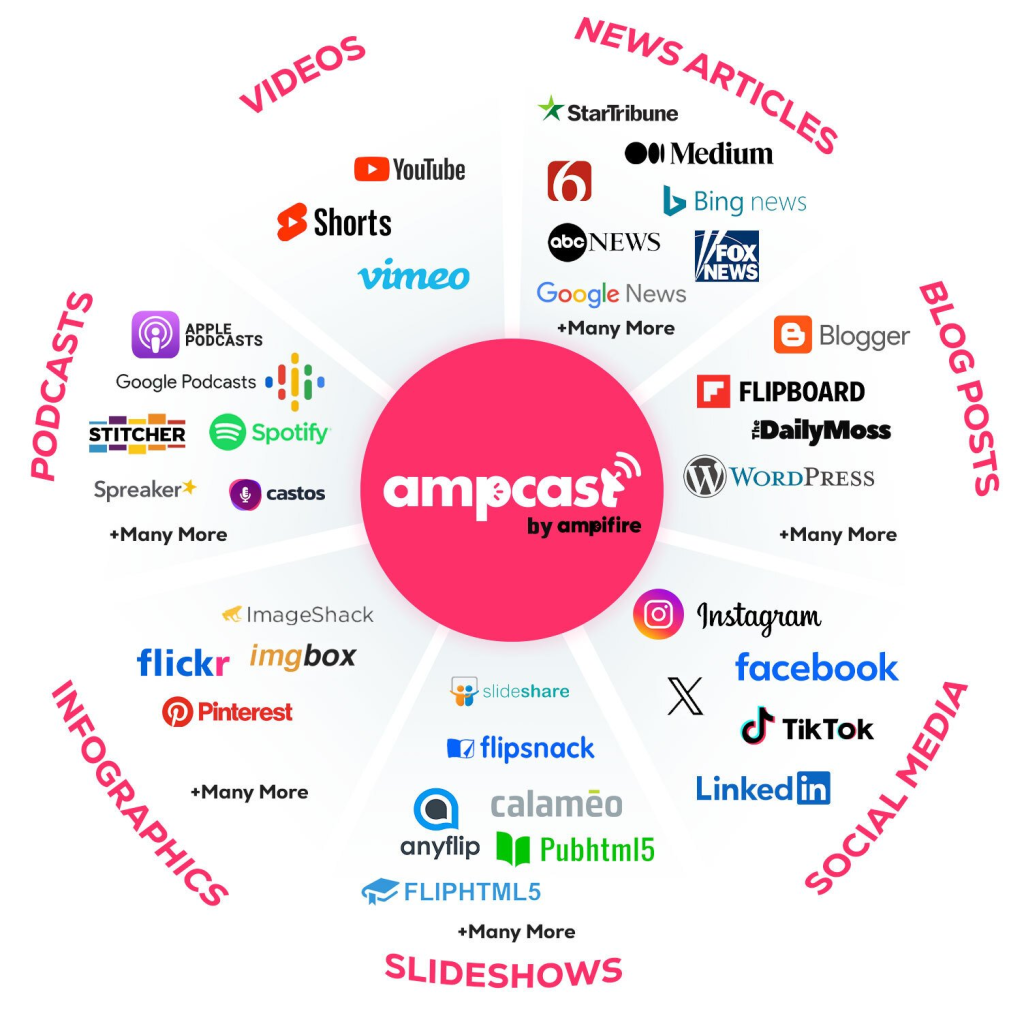
• The Problem: Traditional PR and SEO only reach audiences through single channels. Your customers are scattered across search, social media, video platforms, and podcasts. • The Solution: AmpiFire’s AmpCast transforms one topic into 8 different formats (news articles, blog posts, videos, video shorts, interview podcasts, infographics, slideshows, social posts) and distributes across 300+ high-authority sites including Fox affiliates, Spotify, and YouTube.
What You’ll Discover on PressCable: ✓ Why multi-channel content outperforms traditional PR and SEO ✓ Real case studies of businesses dominating multiple platforms ✓ Step-by-step guides for multi-format content creation ✓ Cost-effective alternative to expensive agencies
Body copy links should be directly tied to the news being announced. If you’re launching a product, link to the product page. If you’re referencing a study or report, link to the full document.
If you’re quoting an executive, link to their professional biography. Each link should feel like a natural extension of the sentence it lives in. Aim for no more than two links in the body, placed within the first half of the release where engagement is highest.
Links in the Boilerplate
The boilerplate, which is the “About Us” paragraph at the end of every press release, is a consistent and low-friction place to include your company’s homepage link. This is where you hyperlink your company name to your main domain, giving both readers and search engines a clean, authoritative connection between your brand name and your website.
Since the boilerplate appears in every release you distribute, this single link builds value across all pickups and syndications. Think of the boilerplate link as your permanent, always-on anchor. It ensures that even if a journalist only reads the last paragraph, they still have a direct path to your website.
Links in Captions & Multimedia Elements
Multimedia links serve a dual purpose. They give journalists publication-ready assets while simultaneously building inbound links back to your owned media.
Every image, video, or infographic that gets picked up and published by a news outlet carries that link, compounding your reach well beyond the initial distribution.
Name your image files descriptively before uploading because the filename becomes part of the URL and the anchor text of any links pointing to it.
Best Practices for Adding Links to a Press Release
1. Stick to One to Three Links Per Release
One to three links is the sweet spot. Go beyond that, and your release starts to look like a link farm, which damages credibility with journalists and can trigger spam filters on distribution platforms. Each link you include should earn its place by serving the reader, not just the algorithm.
2. Point Links Back to Your Own Website
Your press release is your real estate, so use it to direct traffic back to your own domain first. The primary goal of any link in a release should be to send readers toward a page you own and control.
There are rare exceptions. If a major industry report or credible third-party resource directly supports a claim in your release, linking to it can add legitimacy.
3. Use Descriptive Anchor Text That Matches Search Intent
Generic anchor text like “click here” or “learn more” is a wasted SEO opportunity. These phrases tell search engines nothing meaningful and give readers no context for where they’re headed. The anchor text you choose should mirror the language a real person would use in a Google search to find that page.
4. Place the Most Important Link Early in the Release
Attention drops off fast. Readers skim, journalists are busy, and distribution platforms sometimes truncate releases. Your highest-priority link, whether that’s a product page, a campaign landing page, or a media kit, belongs in the first or second paragraph of the body.
5. Include the Raw URL in Parentheses
Some distribution channels and aggregator sites republish press releases in plain text, which strips out clickable hyperlinks entirely. Adding the raw URL in parentheses right after the anchor text protects the reader’s ability to find the page even when the link itself does not render.
Apply this only to body copy links, not boilerplate links, since parenthetical URLs disrupt the natural flow of the “About Us” paragraph.
Every link in a press release deserves a reason for being there, from anchor text to placement to the page it points to.
Examples of Effective Link Usage in Press Releases
Product Launch Release
“[Company Name] today announced the release of the PrecisionGrip MX wireless mouse (https://www.companyname.com/precisiongrip-mx), featuring ultra-precise 8,000 DPI tracking and near-silent clicking technology. High-resolution product images and full technical specifications are available in the PrecisionGrip MX media kit (https://www.companyname.com/press/media-kit).”
Why it works: The product name is the anchor text, the raw URL backs it up for plain-text syndication, and a second link immediately serves the journalist’s asset needs, all within the first paragraph.
Why it works: The bio link answers the journalist’s first question (who is this person?) without forcing a follow-up email. The asset link removes a second barrier in one sentence.
Event Announcement Release
“Members of the press are invited to attend the annual [Company Name] Innovation Summit on March 14, 2026, in Austin, Texas. Register for press credentials (https://www.companyname.com/summit/press-registration) before February 28 to secure your seat.”
Why it works: The anchor text is action-oriented, the deadline creates urgency, and the link points to a specific landing page that keeps the reader’s path simple.
Link in the Boilerplate
About [Company Name]: Company Name is a leading provider of [product or service category] based in [City, State]. Founded in [Year], the company serves [audience description] across [region or market].
Why it works: The brand name carries the homepage link, which is the cleanest anchor for a boilerplate. No raw URL in parentheses keeps the paragraph reading naturally, since this is the one spot where parenthetical URLs disrupt flow rather than help it.
How Does AmpiFire Strengthen Brand Authority Without Relying on Traditional Press Releases?
AmpiFire’s AmpCast AI turns your story into news articles, videos, podcasts, social posts, and more, each carrying its own anchor text links back to your site.
Getting links right in a press release comes down to three things: keeping the number small, pointing to pages you own, and choosing anchor text that reflects how real people search. Follow those principles consistently and every release you distribute builds on the last.
AmpiFire takes that further by turning each announcement into 8 content formats distributed across 300+ high-authority platforms, so your story reaches audiences through search, social media, video, and podcasts at once. If you want to see how AmpCast AI can replace your traditional press release strategy, learn how AmpiFire works here.
A press release should carry no more than one to three links total, with one strong link in the body and one in the boilerplate as the most common formula. Going beyond three makes the release look like spam to both human editors and automated filters used by wire services.
Can I link to a third-party website in a press release?
You can, but it should be the exception, since the primary purpose of links in a release is to drive traffic back to pages you own. The one case where external linking makes sense is referencing a highly credible source that directly validates a claim, such as a peer-reviewed study, a government report, or a recognized industry organization.
What is anchor text in a press release?
Anchor text is the visible, clickable words that contain a hyperlink, embedded inside a natural phrase instead of a raw URL. The right anchor text reflects real search behavior, meaning the actual words someone would type into Google to find that page. Keep the anchor text consistent across releases when linking to the same page, since that consistency reinforces the keyword association over time.
Do all wire services support hyperlinks in press releases?
Most major wire services support embedded hyperlinks, but support varies by distribution tier and format. Some basic packages strip hyperlinks, leaving only plain text in the distributed version. Confirm with your distribution service before writing the release around hyperlinks, and include the raw URL alongside the anchor text as a fallback.
Does adding links to a press release help with SEO?
Yes, but the value builds gradually. Each release with consistent, keyword-rich anchor text reinforces topical relevance over months and years. Wire service links often carry nofollow or sponsored attributes that limit direct link equity, so press release links work best as one layer in a broader content strategy.
If you want to go further, AmpiFire’s AmpCast AI transforms a single topic into 8 content formats distributed across 300+ high-authority platforms, reaching audiences through search, social media, video, podcasts, and more, rather than relying on a single release to do all the work.
*Disclaimer: Results may vary based on individual circumstances, business type, and content strategy. The time savings and outcomes mentioned are based on typical user experiences and are not guaranteed. For specific pricing and service details, please visit AmpiFire.
Thula is a seasoned content expert who loves simplifying complex ideas into digestible content. With her experience creating easy-to-understand content across various industries like healthcare, telecommunications, and cybersecurity, she is now honing her skills in the art of crafting compelling PR. In her spare time, Thula can be found indulging in her love for art and coffee.